
What I Asked For
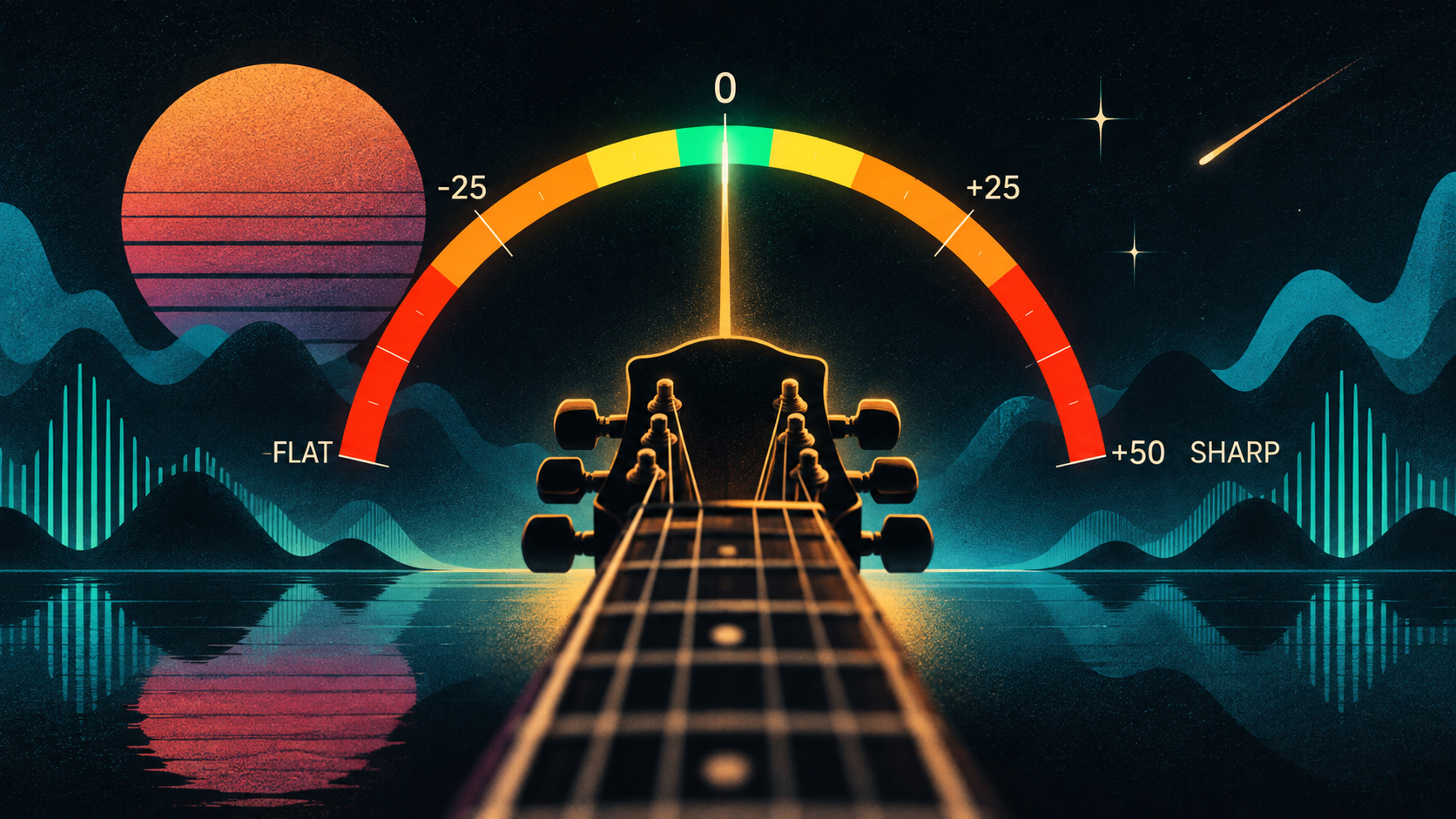
The starting idea was a guitar tuner that didn’t have to look or behave like every other guitar tuner. The basic tuner still needed to be accurate and useful, but I wanted to experiment with different ways of visualizing pitch — something more interesting than watching a needle move toward the center of a gauge.
That eventually led to Surf Mode. Instead of simply showing whether a note is sharp or flat, the idea was to turn tuning into a tiny game: use the pitch of the guitar to control a surfer riding a wave. As you tune the string, the surfer responds to how far above or below the target pitch you are. Getting in tune means finding the sweet spot and riding it.
From there the idea expanded into a little laboratory for experimenting with pitch. The traditional tuner could be one mode, but the same microphone and pitch data could drive completely different visual experiences.
What It Is
Tune Lab is a browser-based guitar tuner and pitch visualization experiment. It uses your device microphone to listen to the guitar, detect the fundamental frequency of the note, and compare it against the target pitch.
There are currently five different ways to interact with that information: Tuner, Visuals, Surfer, Butterfly, and Staff. The regular Tuner gives you the practical version, while the other modes reinterpret the same pitch information visually. Surfer turns tuning into a game-like experience, while modes like Butterfly and Staff explore completely different ways of seeing pitch.
There are also reference buttons for the six standard guitar strings — E2, A2, D3, G3, B3, and E4 — so you can select a target string directly instead of relying entirely on automatic note detection.
The interesting part is that none of these are really different tuners. They’re different interfaces sitting on top of the same basic input: the frequency coming from your guitar. Once that number exists in the browser, it can move a needle, animate an image, place a note on a staff, or let you surf a wave.
It’s at tune-lab-ten.vercel.app. Try Surfer mode. It’s much more fun than staring at a tuning needle.